Reviving the Spirit of Unity: A Modern Take on Ubuntu's Classic Desktop
Imagine a world where Canonical never pivoted to smartphones in the mid-2010s. Ubuntu users might still be enjoying a refined, evolved version of the Unity desktop today. While that alternate reality remains hypothetical, a community developer named Muqtxdir has created a compelling glimpse into what such a desktop could look like. By rebuilding Unity's shell using Wayfire, GTK4-layer-shell, and Libadwaita, he brings together the beloved interface of yesteryear with the performance and modernity of today's Linux stack.
The Rise and Fall of Unity
Unity first appeared in 2011 as Ubuntu's flagship desktop environment, replacing GNOME 2. It introduced a distinctive launcher, global menu, and a HUD (Heads-Up Display) that appealed to many users. However, its development was not without controversy—some criticized its performance and departure from traditional desktop paradigms. Over time, a loyal community grew around Unity, and it matured into a stable, efficient desktop.

Then came the smartphone detour. Canonical invested heavily in Ubuntu Touch and the Mir display server, hoping to create a converged experience across phones, tablets, and desktops. This ambitious project burned through cash and, perhaps more importantly, goodwill. By 2017, the company abandoned Unity in favor of GNOME Shell, citing the need to focus resources. The decision left many Unity fans disappointed, but the desktop's legacy lived on in the memories of its users.
A Community Vision: Rebuilding Unity with Modern Tools
Muqtxdir is not your average Ubuntu fan. He helps maintain and develop the popular Yaru theme—Ubuntu's default look—and contributes to the immutable Vanilla OS Linux distribution. Recently, he shared a video of his experiment: rebuilding Ubuntu's Unity shell in a Wayfire session, using GTK4-layer-shell for window layer management and Libadwaita for widget styling.
The result is a striking homage to Unity's interface. The video shows a side panel launcher, a global menu, and the familiar indicator applets (network, sound, battery) arranged in a top bar. Everything runs smoothly under Wayland, thanks to Wayfire's efficient compositing. While still a prototype, the project demonstrates that Unity's design language can be resurrected with modern technology.
Why Wayfire and Libadwaita?
Wayfire is a Wayland compositor known for its flexibility and support for desktop customization. It allows developers to create unique user interfaces by combining plugins and themes. Muqtxdir chose Wayfire over Mir (unmaintained) or KWin, as it gives him fine control over window management and decorations.
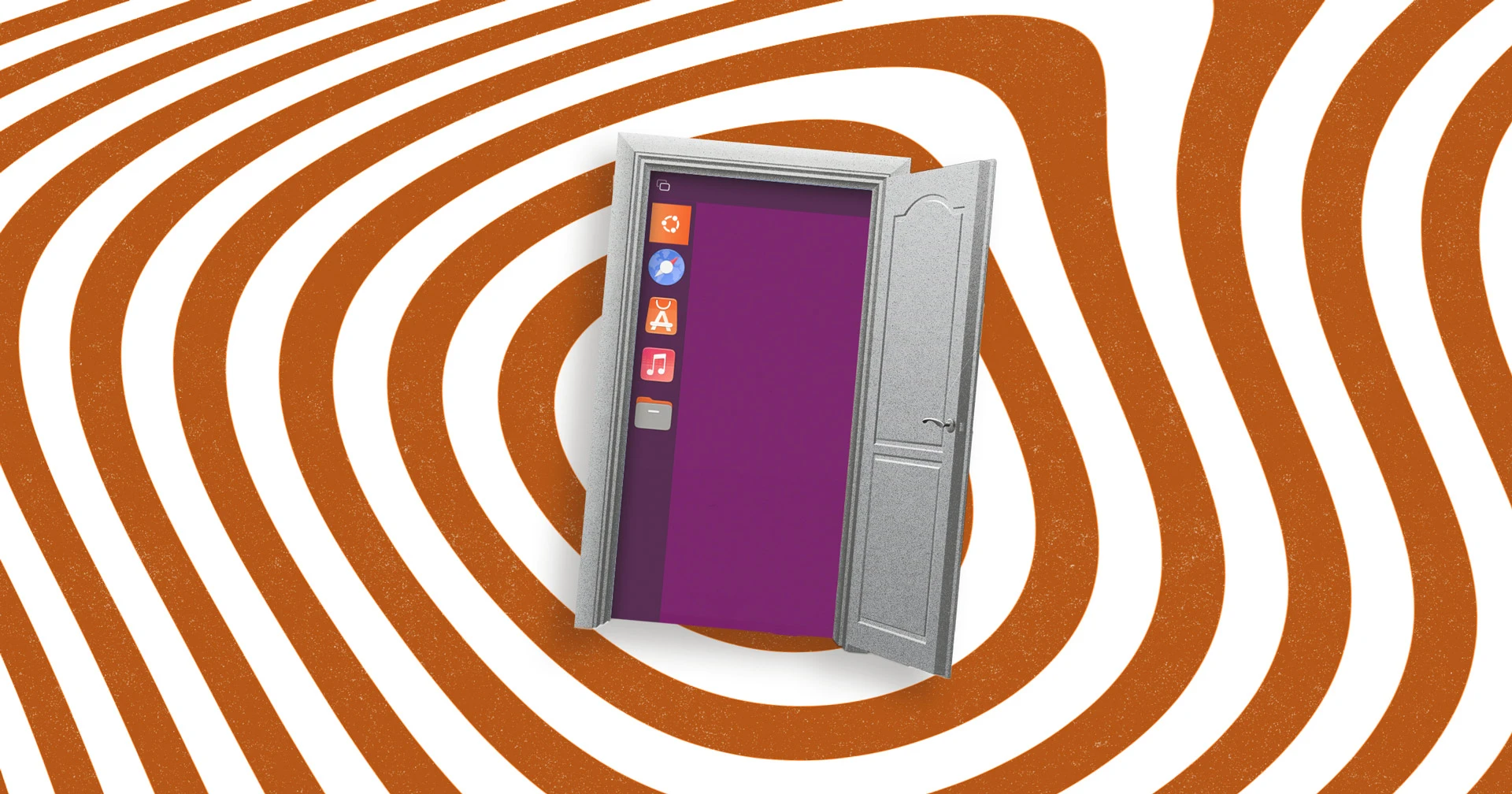
For the widget toolkit, he opted for GTK4 and Libadwaita. Libadwaita is the latest iteration of GNOME's design language, offering modern components like adaptive layouts, rounded corners, and smooth animations. By using it, the revived Unity shell not only looks contemporary but also integrates well with other GTK4 applications. The GTK4-layer-shell library handles panel positioning and transparency, making the top panel and launcher feel native.
What Does This Mean for Ubuntu?
This project is, first and foremost, a passion piece—not an official product. Canonical has no plans to resurrect Unity as the default desktop. However, it serves as a powerful proof of concept. It shows that the core ideas of Unity—spatial navigation, the launcher, the global menu—are still viable and can be implemented on modern display servers.
For the Ubuntu community, Muqtxdir's work is a beacon of hope. It keeps the spirit of Unity alive and demonstrates that desktop diversity flourishes outside of corporate roadmaps. Users who miss Unity can now see a path forward, built on Wayland and GTK4, that doesn't sacrifice performance or aesthetics.
In a broader sense, this project highlights the strength of open-source ecosystems. While big companies make strategic pivots, community members can pick up the torch and reimagine old ideas with new tools. The result may not replace GNOME or KDE, but it enriches the Linux desktop and reminds us what might have been.